Edit directly, work efficiently
Edit original PDF text and images to fix typos and update content, without layout changes caused by format conversion. Versatile annotation tools make it easy to take notes.
 Dingan Shuzhi TechnologyDing'an Shuzhi Technology
PDF Assistant
Dingan PDF Assistant makes PDF tasks simpler and gives you greater peace of mind.
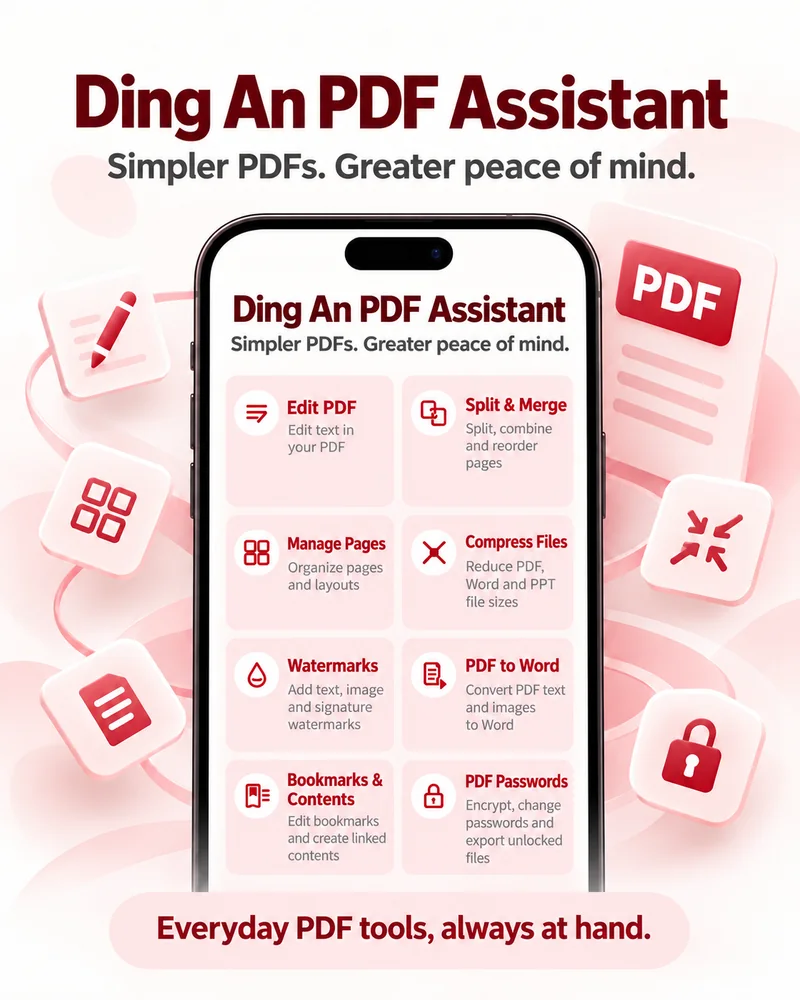
Everyday PDF tools
Keep everyday PDF tools in your pocket. Edit original content, annotate files, split and merge pages, prepare print layouts, add watermarks, encrypt and decrypt documents, and convert files whenever work comes your way.
Features
Edit original PDF text and images to fix typos and update content, without layout changes caused by format conversion. Versatile annotation tools make it easy to take notes.
Merge, split, rotate, and reorder pages to organize documents the way you need.
Compress PDF, Word, and PowerPoint documents at different quality levels to save space and make sharing easier.
Encrypt and decrypt PDFs, change passwords, and export securely.
Core features run locally on your device. There is no need to upload documents, and you can work offline.
No app account to create and no ads, so you can focus on your documents.
Product Gallery
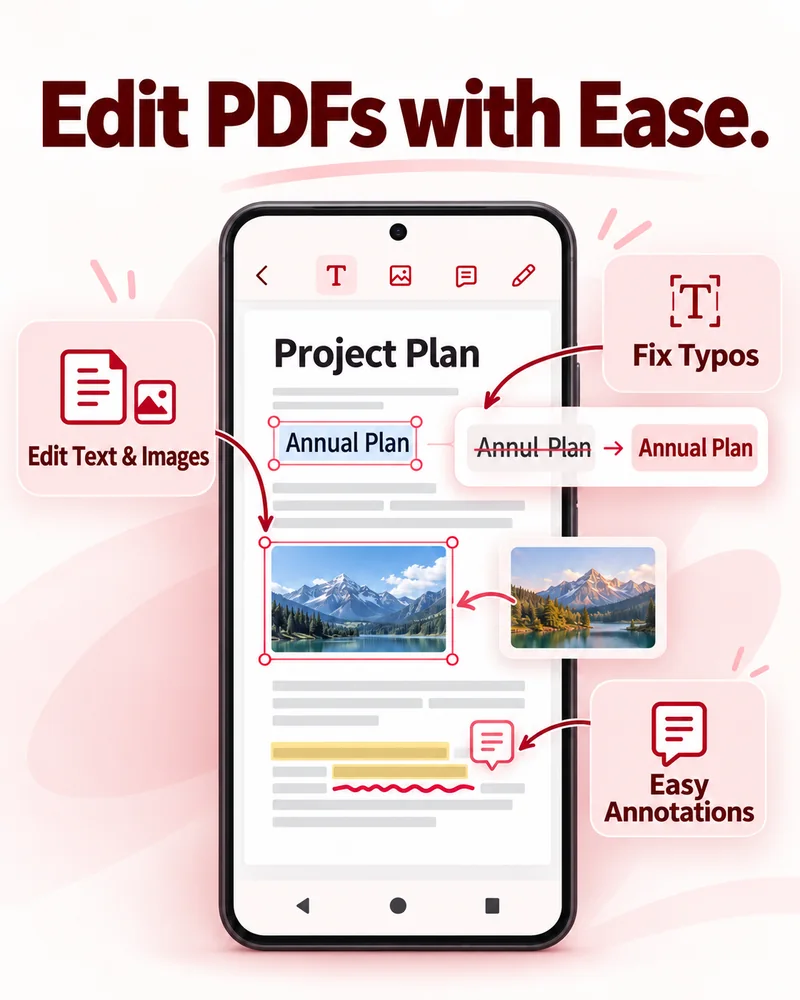
Edit original PDF text and images to fix typos and update content, without layout changes caused by format conversion. Versatile annotation tools make it easy to take notes.
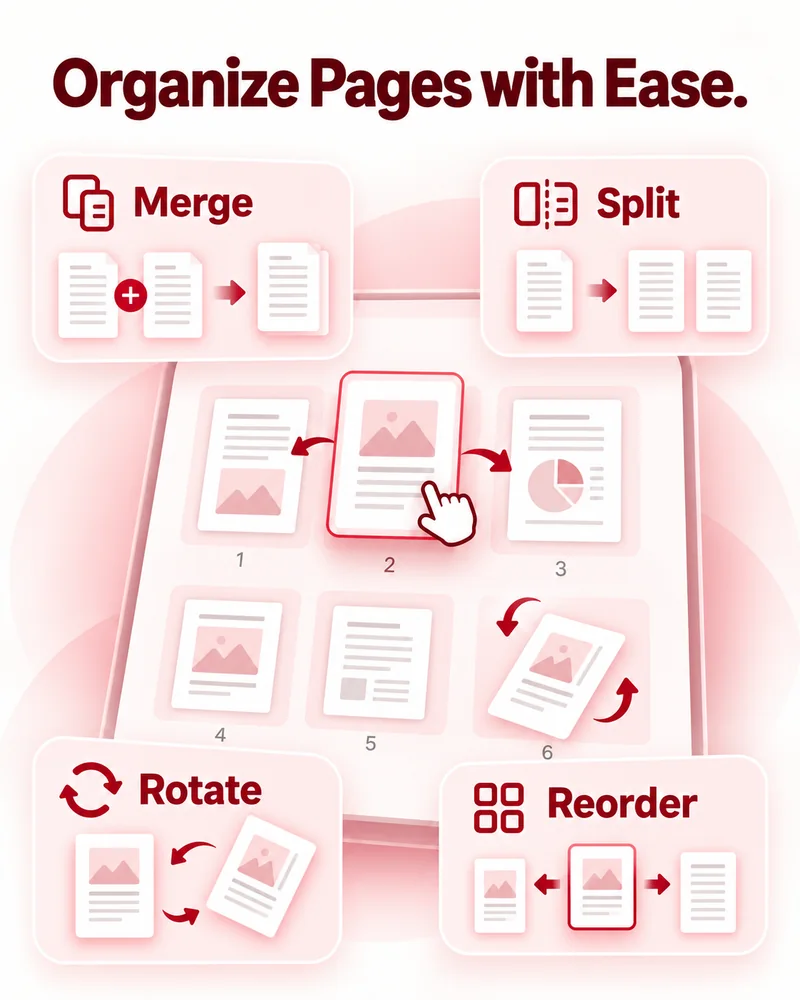
Merge, split, rotate, and reorder pages to organize documents the way you need.
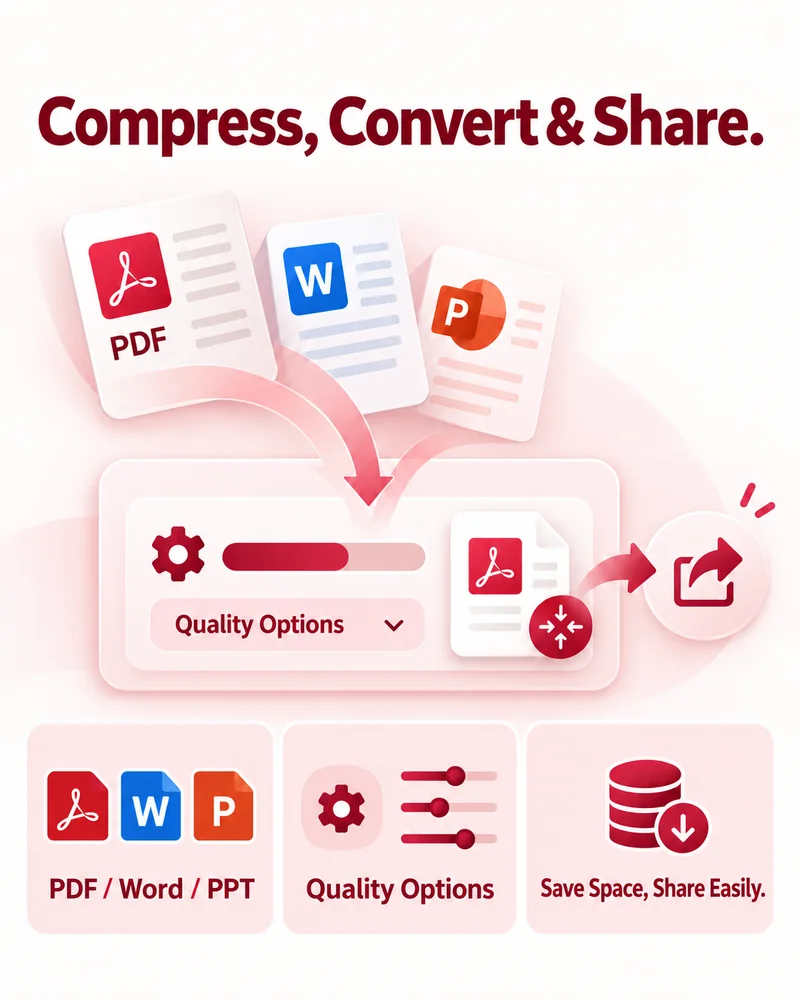
Compress PDF, Word, and PowerPoint documents at different quality levels to save space and make sharing easier.
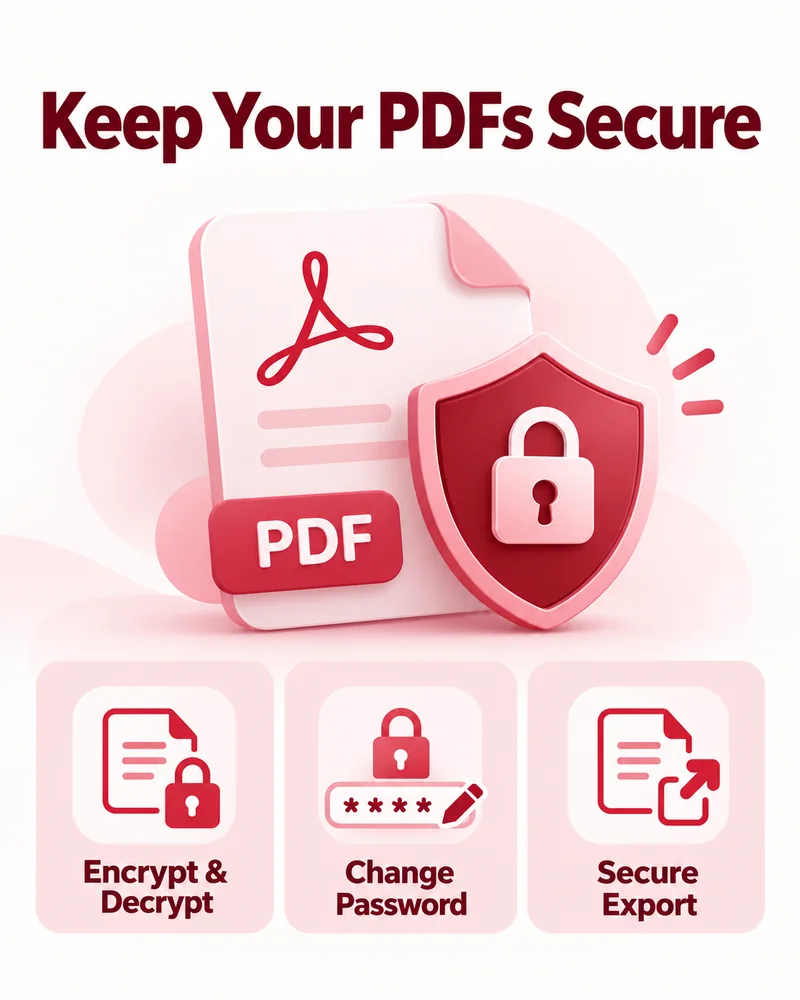
Encrypt and decrypt PDFs, change passwords, and export securely.
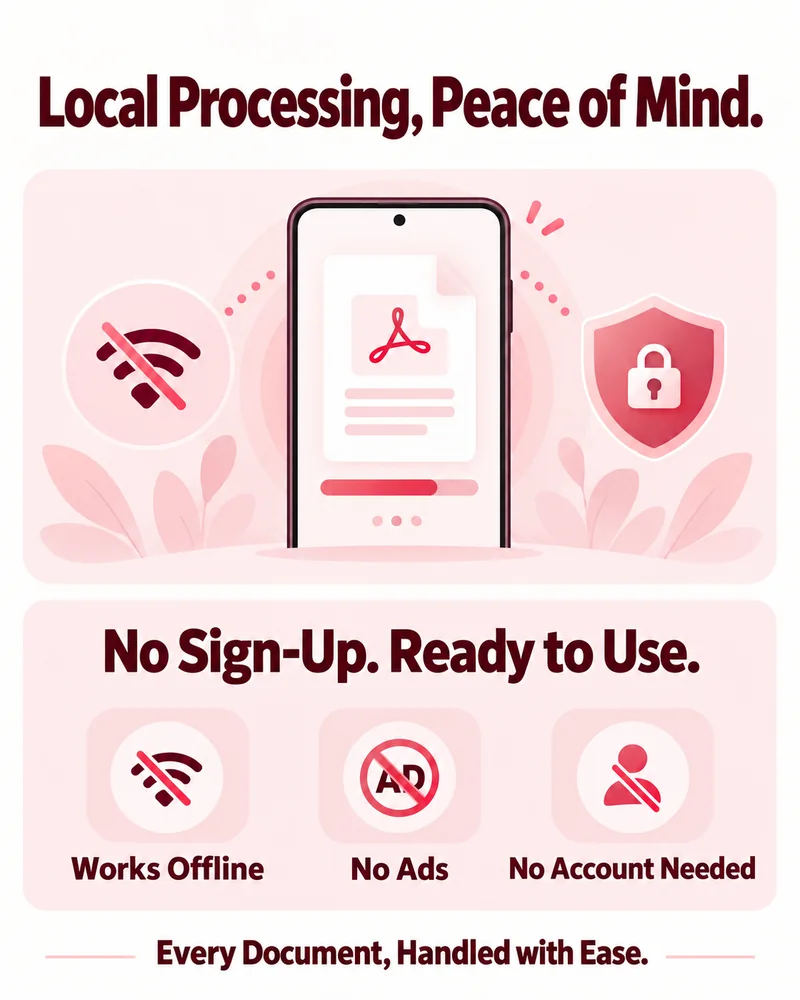
Core features run locally on your device. There is no need to upload documents, and you can work offline.
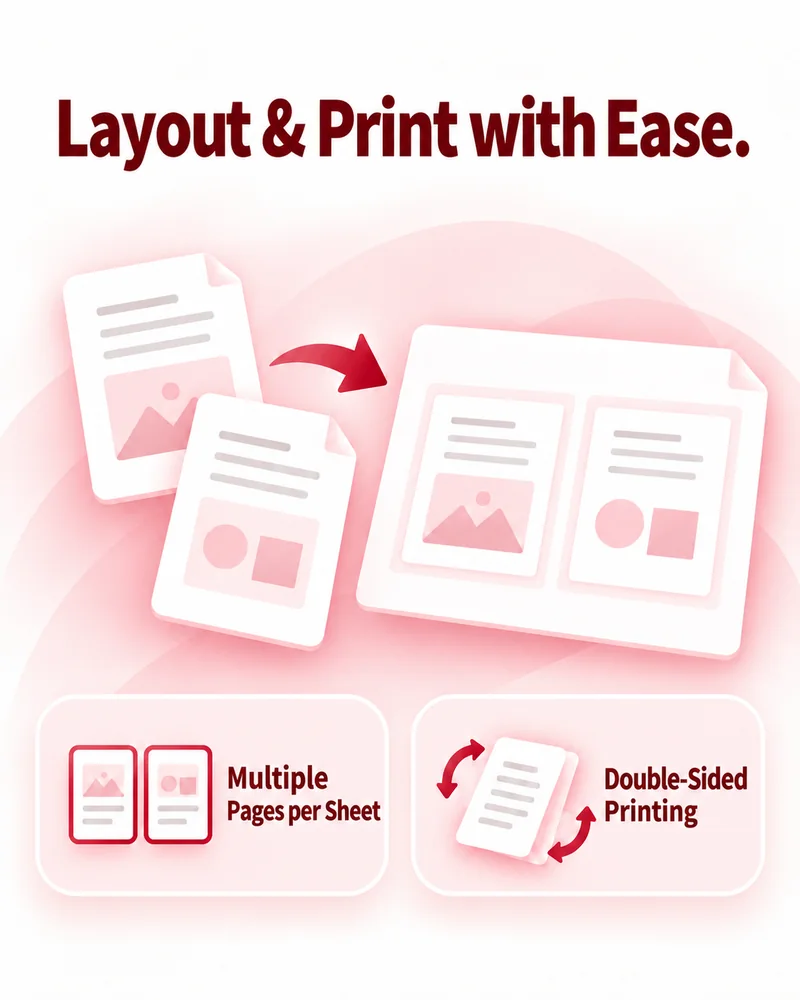
Prepare your documents for printing with PDF layout tools.
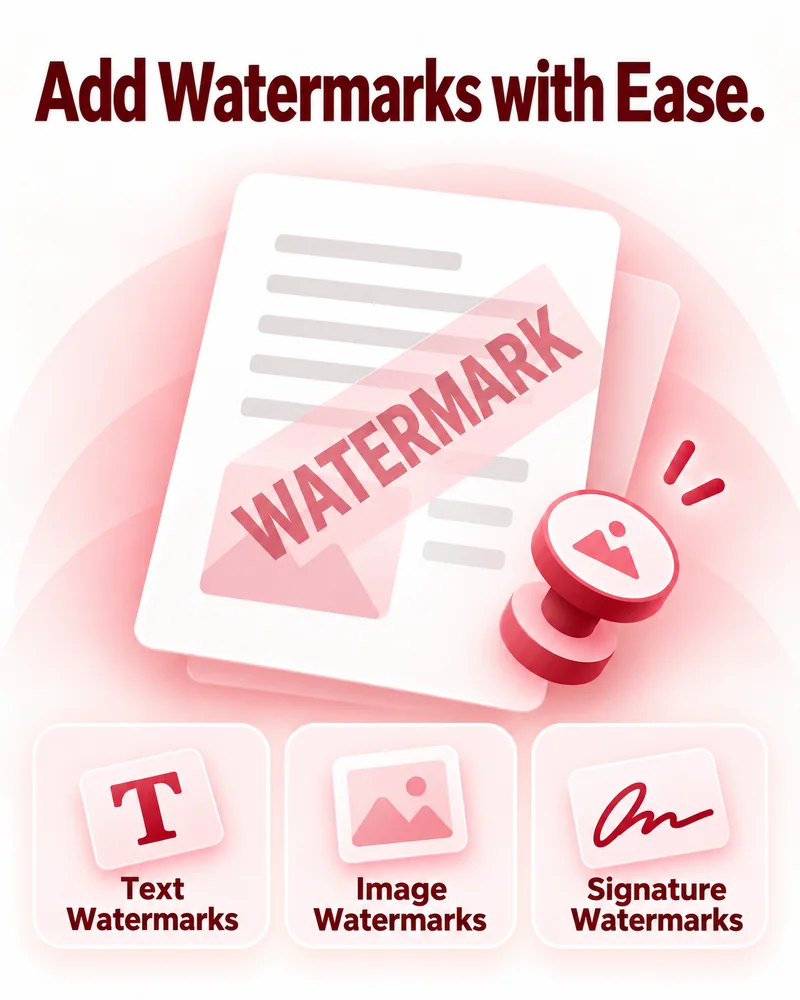
Add watermarks to your PDF documents.